The customer has a payment reference. Your collections screen still shows an overdue invoice. Sending the same reminder again is easy; establishing what happened takes a more careful check.
An invoice can remain open after payment because the transaction is pending, the receipt is unapplied or misallocated, only part was paid, a credit is unresolved, or the collections view has not received the latest update. A returned or reversed payment can also reopen an obligation.
The right response starts with the payment evidence and the invoice's remaining balance.
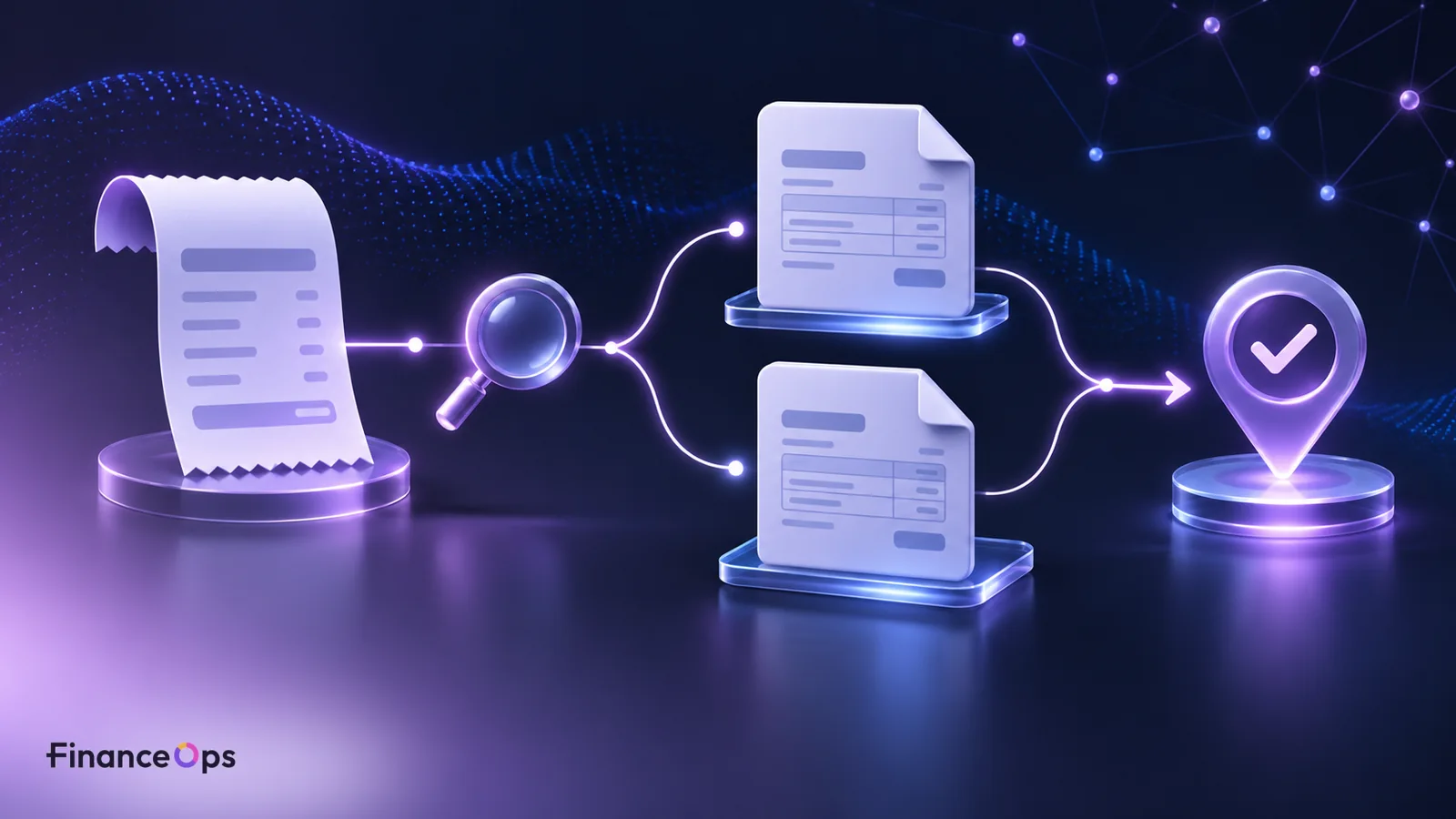
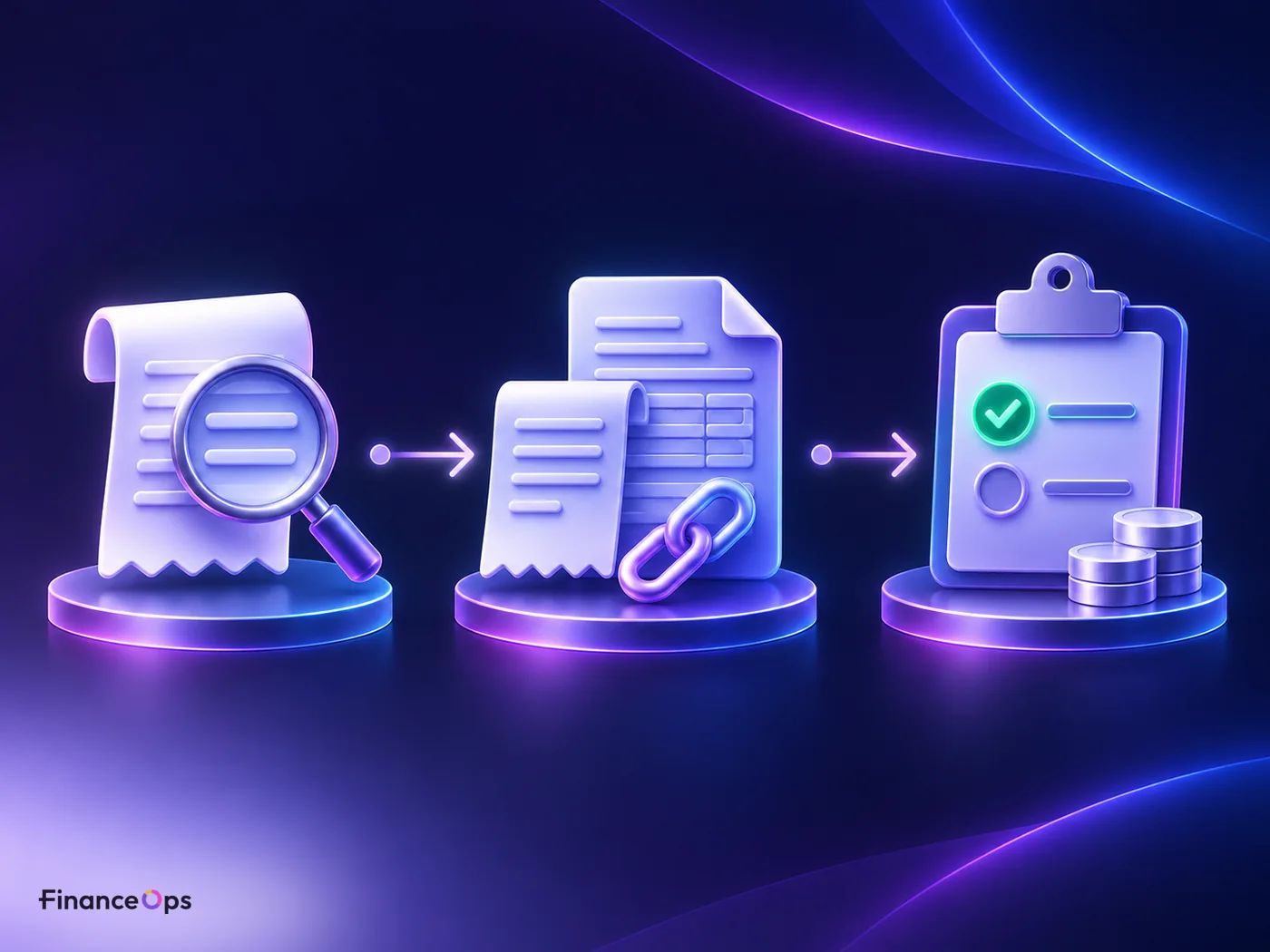
In an illustrative B2B example, one ACH receipt may cover several invoices while only some have been matched. Check the remittance details and each invoice's remaining balance before telling the customer what is still due.
What does an open invoice actually mean?
An open status describes an accounting or operational record. It does not explain the cause by itself.
In Oracle Receivables documentation, transaction schedules hold open or closed status and remaining amounts, while separate records describe receipts and their applications. Those distinctions matter when investigating an apparent disagreement.
The broader payment cycle also has real delays. Intuit QuickBooks' 2026 Small Business Late Payments Report reports that 49% of surveyed US small-business owners said standard payment processing times created critical or moderate cash-flow gaps. That is survey context about processing delays, not evidence that 49% of paid invoices remain open or that cash application caused those delays.
Common reasons payment and invoice status differ

| Possible cause | What collections should check | Appropriate next step |
|---|---|---|
| Payment was initiated but remains pending | Provider status and transaction reference | Explain the pending state and follow approved review timing |
| Receipt is unapplied or on account | Receipt details and invoice allocation | Assign allocation investigation |
| Payment was applied elsewhere | Customer, entity, and linked invoice records | Route a verified correction |
| Only part of the obligation was paid | Receipt amount, linked items, and remaining balance | Establish the supported difference |
| Credit or adjustment is pending | Approval and posting status | Confirm the authorized update |
| Collections data is stale | Source refresh and integration status | Verify the authoritative record |
| Payment was returned or reversed | Current receipt history and reason | Follow the approved returned-payment workflow |
Avoid diagnosing the cause from a screenshot or customer statement alone.
Unapplied does not mean unreceived
A receipt may exist without being allocated to the invoice. Follow the unapplied cash checklist to establish the payer, reference, and intended allocation.
A partial payment can leave open items
An original invoice can remain open under partial-payment accounting even when a related payment is recorded. SAP documents this treatment. Review the linked items before interpreting the original invoice amount as the current demand.
If a difference remains, use the investigation process for short payments and disputed invoices.
An update sent is not an update confirmed
A matching or posting request may leave one system before another accepts it. Treat the sent update and confirmed account update as separate states; assign an owner and review the last successful sync before contacting the customer again.
The operational requirement is to know which state was confirmed, by which source, and at what time.
What should collections check before contacting again?
Establish the payment reference and current status
Confirm the invoice and customer, amount, date, currency, and available transaction reference. Use an approved process for identity checks and supporting evidence. Do not request sensitive payment credentials through an unsuitable channel.
Compare receipt, allocation, and invoice records
A payment provider can report a transaction state without establishing which invoice the ERP cleared. Check the relationships between those records.
For a payment covering multiple invoices, review the allocation amounts rather than copying the full receipt value to every invoice.
Check freshness and failures
Record when the relevant source last refreshed. A payment reported this morning may be absent from a file generated last night.
If an action timed out, the outcome is uncertain. Check status through the approved process before another attempt. Preventing duplicate execution is part of resolving the uncertainty.
What should you tell the customer?
Explain the confirmed facts and the next step. Avoid presenting an incomplete investigation as a final decision.
| Evidence available | Example response |
|---|---|
| Customer statement only | “Thank you for letting us know. We need to check the payment against the account.” |
| Receipt verified; allocation unresolved | “We can see a receipt, and the team is checking which invoice it applies to.” |
| Posting remains unconfirmed | “The account update is still being checked. We will follow the review process before confirming the balance.” |
| Correct invoice and balance confirmed | “The payment has been applied to this invoice. The confirmed remaining balance is…” |
These are illustrative phrases, not universal scripts. The actual response depends on identity verification, available evidence, and approved communication policy.
If the payment relates to an earlier agreement, review the promise-to-pay checklist before describing the commitment as missed.
How Collectors Brain supports accurate follow-up
Collectors Brain is designed to connect available account context, conversation history, approved knowledge, and action rules.
Consider an illustrative enabled Voice AI call. The customer says payment was made this morning, but the latest account file predates it. The workflow preserves that distinction, records the reference, and routes the status question. If configured policy allows a pause, it applies only the authorized handling and records the review condition.
The Voice AI context guide explains why a clear conversation also needs controlled action. The Collectors Brain workflow guide explains outcome confirmation.
When evaluating Agentic Payments alongside the FinanceOps collections solution, test a delayed update, an unapplied receipt, a reversal, and an unsuccessful connected action. Establish which systems can be read, which updates are permitted, and what confirmation is returned.
When is the investigation complete?
Close the investigation when the applicable payment state, allocation, and remaining obligation are established and the approved account handling is recorded. If the records still disagree, preserve the case with a named owner and next review.
Measure the time between receipt and the relevant confirmed account update, repeat contacts during unresolved cases, and investigations reopened after apparent closure. Use the confirmed recovery guide to keep status correction separate from newly recovered cash.